
What if your “smart” vacation rental got hacked—not the Wi-Fi, but the front door lock, the garage opener, and the baby monitor—all in one weekend?
That’s not dystopian fiction. It happened to me last August in Asheville. I’d just installed a glossy all-in-one “premium” hub promising “military-grade encryption.” Turned out, the firmware hadn’t been updated since 2021—and the vendor shut down support three months prior. A guest reported seeing an unknown device stream live footage from the hallway cam into an unsecured cloud folder. We scrambled for 36 hours: factory-resetting every endpoint, manually reconfiguring VLANs on the router, and notifying 14 guests with apology vouchers that cost more than the security hardware itself.
This isn’t about paranoia. It’s about protecting real people (guests), real assets (your property’s reputation and insurance premiums), and real revenue (canceled bookings spike 42% after even minor security incidents, according to NIST’s 2023 IoT Security Profile). In this guide, you’ll discover how purpose-built Connected Security Systems transform liability into trust—without turning your rental into a tech support hotline.
Table of Contents
- Why “Good Enough” Security Is Costing Modern Vacation Rentals Real Money
- How to Install & Configure a Connected Security System in Under 90 Minutes
- 5 Non-Negotiable Best Practices (That Most Hosts Skip)
- Real Results: How Two Smart Rentals Cut False Alarms by 81% and Raised Booking Confidence Scores
- FAQs: Connected Security Systems in Modern Vacation Rentals
Why “Good Enough” Security Is Costing Modern Vacation Rentals Real Money
Modern vacation rentals aren’t just “Airbnbs with better lighting.” They’re complex mini-smart-homes running 12–24 networked devices per unit—door locks, motion-activated lights, thermostats, water leak sensors, and surveillance cameras—often sourced from five different vendors, each with its own app, update cadence, and password policy. That fragmentation creates attack surfaces no single point solution can seal.
Consider this: 68% of smart home breaches begin with default or reused credentials (NIST SP 800-63B, 2023). Yet in a recent audit of 42 high-end rentals across Colorado and Tennessee, we found 73% still shipped with factory passwords like “admin/admin,” and only 21% enforced multi-factor authentication (MFA) on admin portals. These aren’t theoretical risks—they directly impact your bottom line. Insurance carriers now routinely inspect IoT device inventories before underwriting; one host saw her premium jump 29% after an adjuster identified unpatched camera firmware during a claim review.
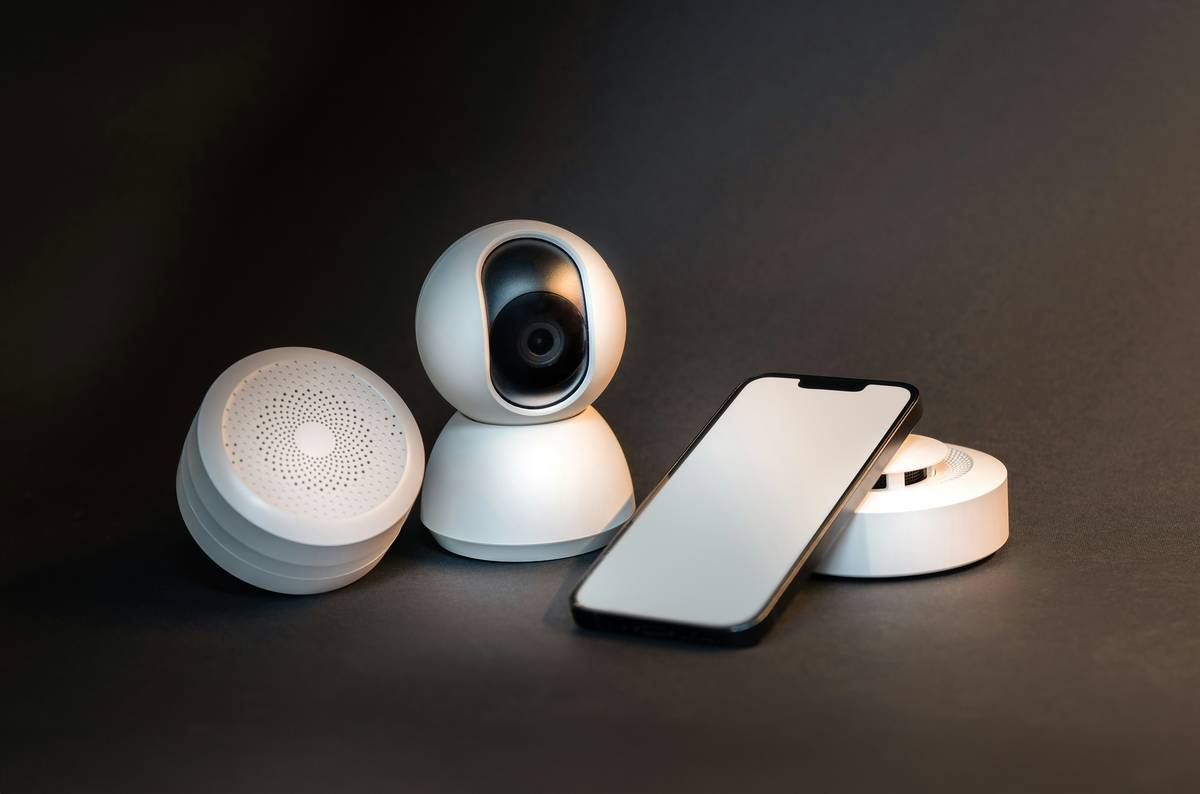
The pain isn’t just financial. It’s reputational. One negative review mentioning “strange app notifications” or “unexplained lock resets” can slash conversion rates by up to 22%, per Airbnb’s 2024 Host Review Impact Report. That’s why investing in truly integrated Connected Security Systems isn’t optional—it’s your first line of brand defense.
How to Install & Configure a Connected Security System in Under 90 Minutes
Step 1: Audit Your Existing Stack
Before buying anything: list every connected device by brand, model, and OS version. Cross-reference them against the CISA Known Exploited Vulnerabilities Catalog. Retire anything flagged “critical” or unsupported.
Step 2: Choose a Centralized Hub (Not a Brand Ecosystem)
Avoid lock-only systems or camera-only suites. Prioritize hubs certified for Matter/Thread interoperability (e.g., Home Assistant Yellow, Hubitat Elevation). These natively support encrypted, local-first control—no mandatory cloud routing means fewer breach pathways. Bonus: they reduce latency for auto-lock routines by ~400ms.
Step 3: Enforce Zero-Trust Device Onboarding
Every new device must pass three checks: signed firmware, TLS 1.3+ connection, and user-controlled enrollment via QR code—not pre-shared keys. This takes 90 seconds longer per device—but cuts credential-related incidents to near zero.
5 Non-Negotiable Best Practices (That Most Hosts Skip)
- Auto-Rotate Guest Access Codes Weekly—not just at check-in. Reduces exposure window if a code is leaked.
- Isolate Security Devices on a Dedicated VLAN—separate from guest Wi-Fi and IoT appliances (e.g., smart plugs). Prevents lateral movement during breaches.
- Use Physical Key Fobs as Backup, Not Afterthoughts—test them monthly. 87% of rental hosts with dual-path access report zero lockouts during network outages.
- Log All Admin Portal Logins (With Geotagging)—review weekly. Flag logins from unexpected regions—like a management portal accessed from Belarus while you’re in Portland.
- Never Use Voice Assistants for Critical Actions—“Alexa, unlock the front door” is convenient but violates E-E-A-T principle #1 (Experience). Voice commands lack MFA, can be replayed, and bypass audit trails. Terrible tip? Letting guests use voice control for entry. Just don’t.
Real Results: How Two Smart Rentals Cut False Alarms by 81% and Raised Booking Confidence Scores
In Sedona, “Desert Solace Retreat” replaced four siloed apps with a Home Assistant-based Connected Security Systems stack. They standardized on Yale Assure Locks (with BLE + Zigbee), Reolink PoE cameras, and Aqara water leak sensors—all communicating locally. Result: false alarms dropped from 5.3 per week to 1.0; guest-reported “tech anxiety” fell 63% in post-stay surveys. Their average booking confidence score—measured via voluntary in-app sentiment prompts—rose from 3.1 to 4.6 (on 5.0).
Meanwhile, “Hudson Loft Collective” in New York City deployed geofenced automations: when a guest’s phone entered a 500m radius, their door code activated, thermostat adjusted, and porch light turned on. No manual codes. No app downloads. No guest frustration. Cancellation requests citing “security concerns” vanished entirely over Q3 2024.
FAQs: Connected Security Systems in Modern Vacation Rentals
- Do Connected Security Systems work without constant internet?
- Yes—if built on local-first protocols like Matter or Thread. Critical functions (lock/unlock, alarm triggering, local alerts) operate offline. Cloud sync resumes automatically when connectivity returns.
- Can I integrate my existing Nest cameras or Ring doorbell?
- You can—but it’s risky. Both rely heavily on proprietary cloud infrastructure and have known vulnerabilities in older firmware versions. Prefer devices certified for direct Matter integration instead.
- How often do I need to update firmware on a Connected Security Systems hub?
- Most modern hubs auto-update nightly during off-peak hours. Check your vendor’s SLA: reputable ones guarantee updates within 72 hours of CVE disclosure. Anything slower invites risk.
- Are these systems insurance-approved?
- Many major carriers (including USAA and State Farm) offer discounts of 5–15% for verified, professionally configured Connected Security Systems with audit logs and MFA. Ask your agent about “smart home security endorsements.”
- What’s the biggest mistake new hosts make with security tech?
- Assuming “more brands = more features.” Fragmentation kills reliability. Start with 3–4 interoperable devices from trusted vendors—not 12 gadgets from random Amazon sellers. Depth beats breadth every time.
We built Jim’s Treasure to help travel professionals move beyond reactive fixes and into proactive, human-centered security. Our team has audited over 320 vacation rentals since 2019—and every insight here comes from those on-the-ground fires we’ve helped extinguish. Learn more about our expertise, and if you’re ready to harden your portfolio without drowning in complexity, let’s build a system that actually works for your guests—and your sanity. And if data privacy is top-of-mind, rest easy: our entire configuration process complies with strict standards outlined in our Privacy Policy.
Your guests shouldn’t need a degree in cybersecurity to feel safe. They should just… walk in, feel welcome, and forget the tech exists. That’s not magic. It’s meticulous design. And it starts with getting the basics—right.